Bunkie UI case study by Victor Omolasoye, Product Designer (UI/UX) —
Mobile Marketplace App Design
Overview
The Bunkie mobile app lets people list items, discover what's nearby, send and receive requests, and manage a verified profile. The work covers the full interface across onboarding, discovery, listings, identity verification and settings.
Problem & Solution
The Problem
Bunkie needed a clear, trustworthy mobile experience for a marketplace built on user-to-user listings. New users had to understand how to browse, list and send requests quickly, while the product also had to verify identity before anyone could transact.
The Solution
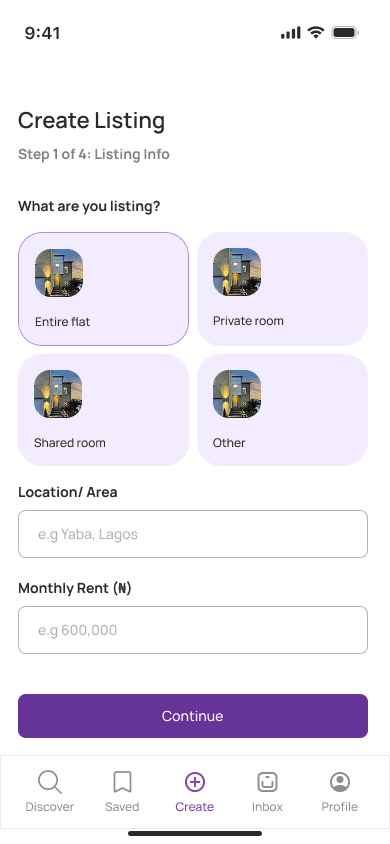
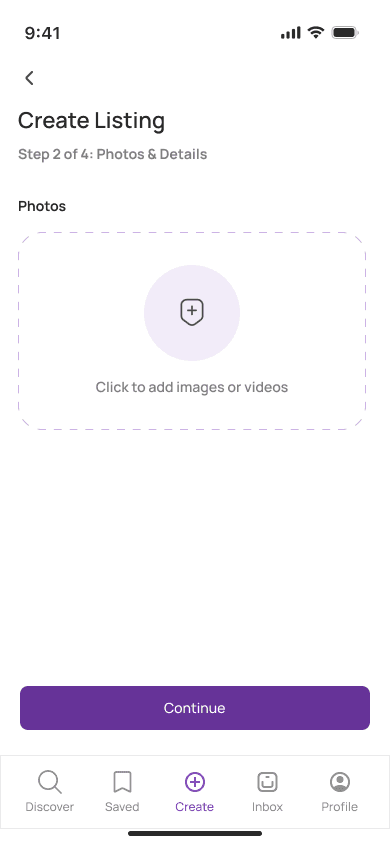
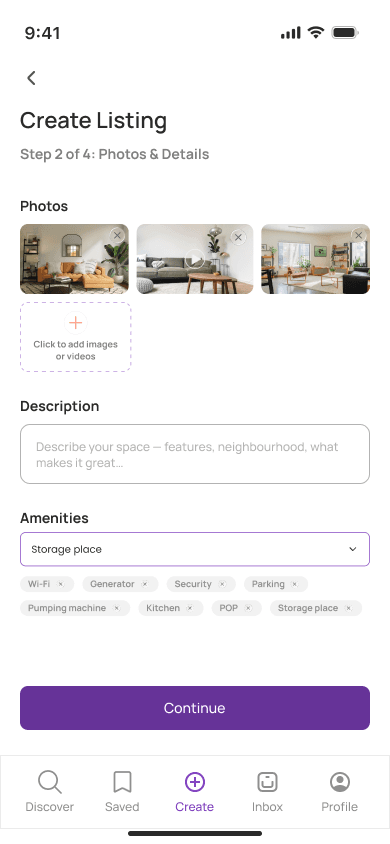
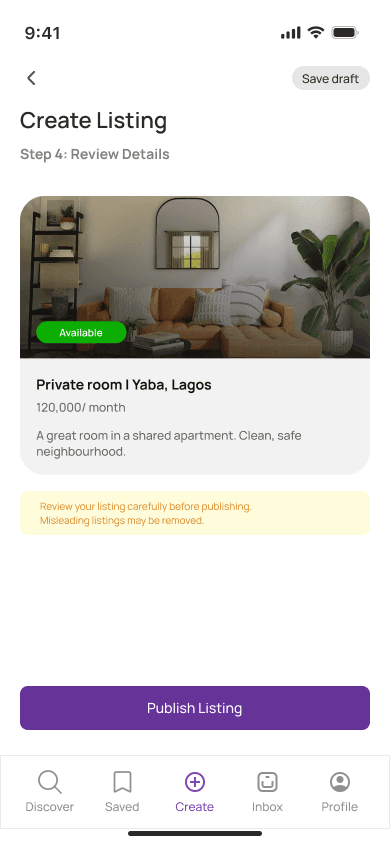
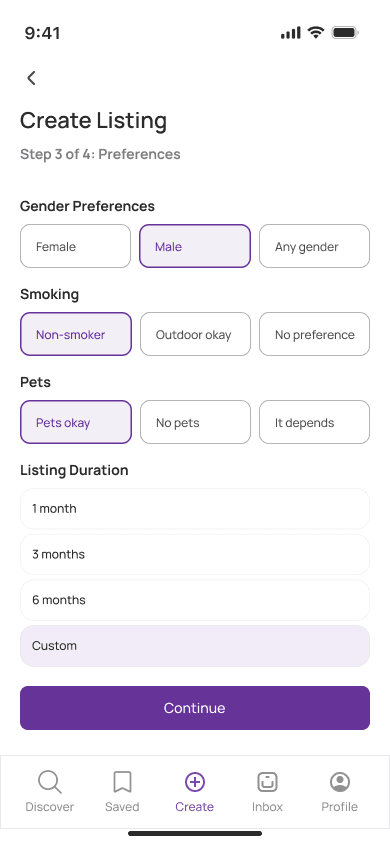
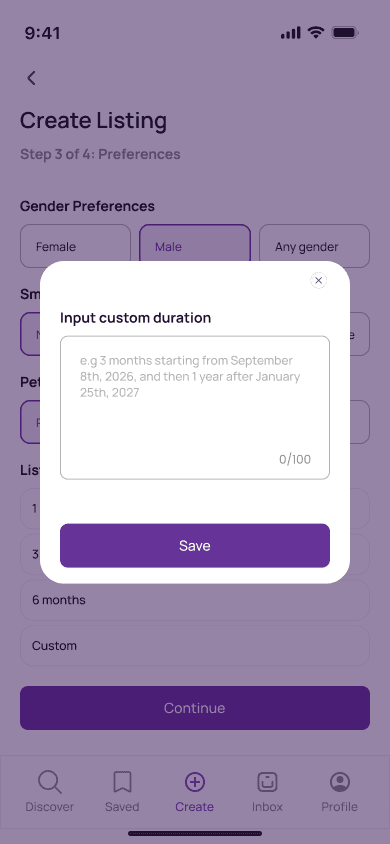
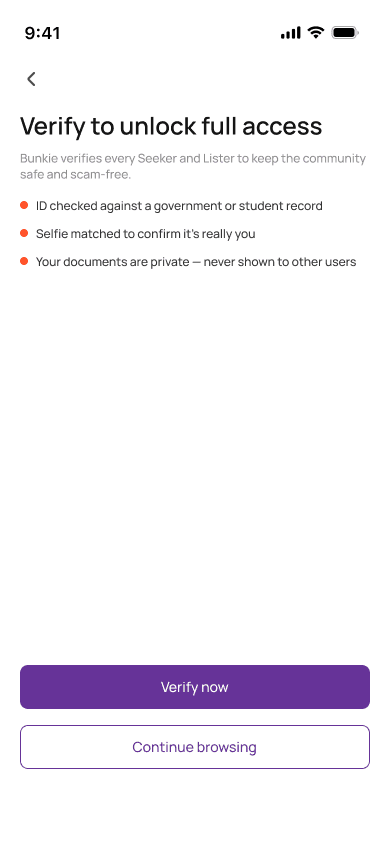
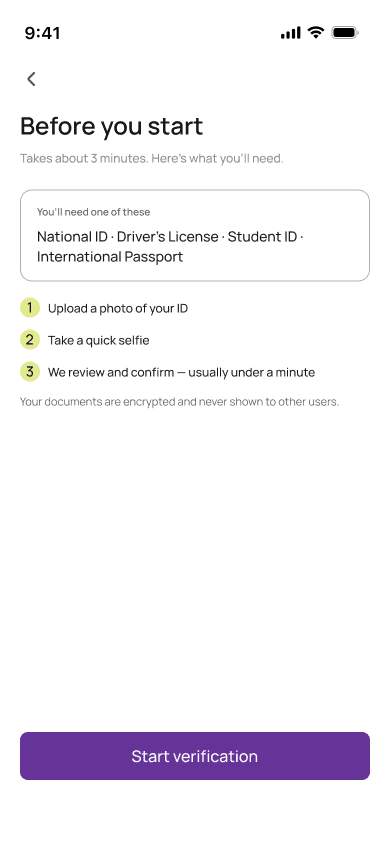
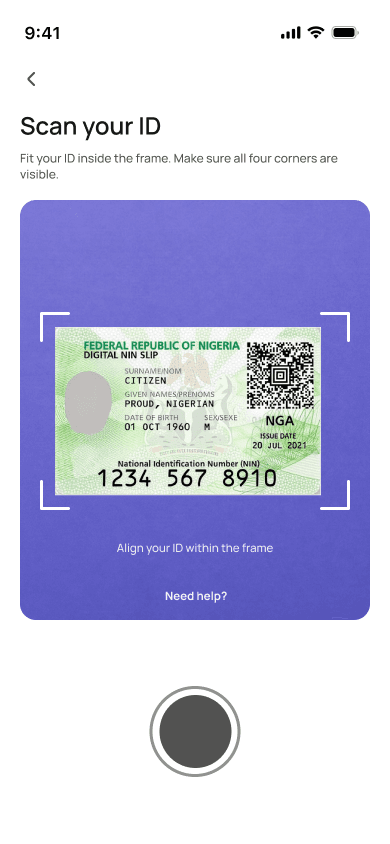
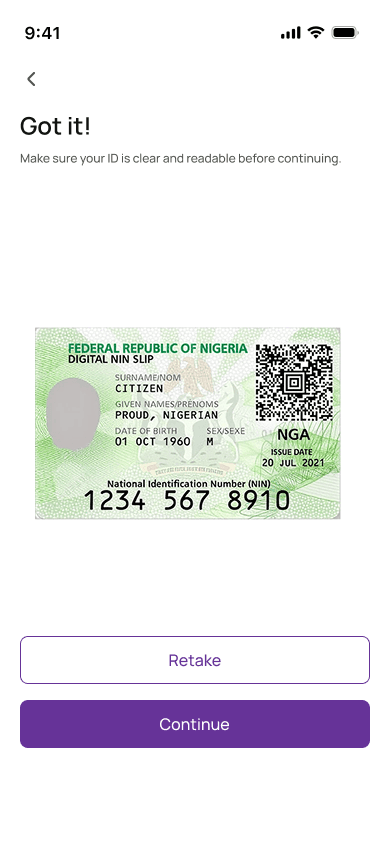
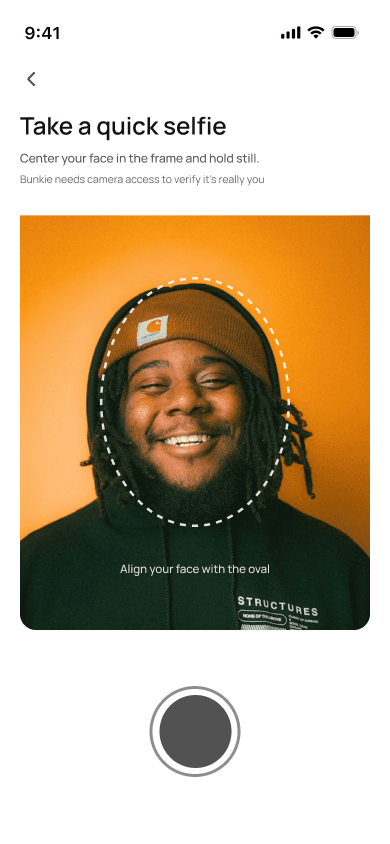
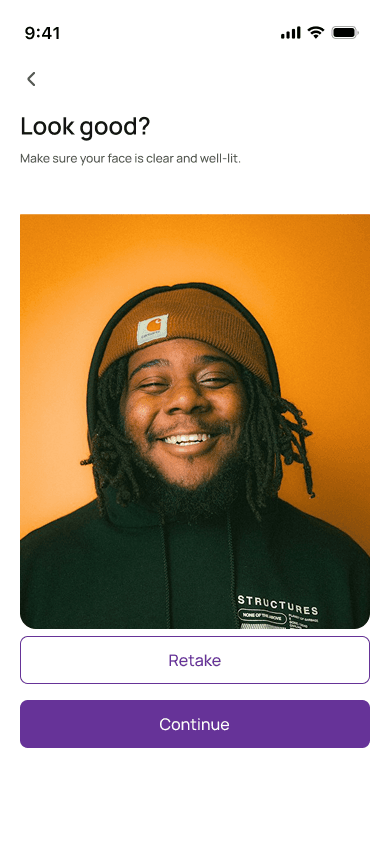
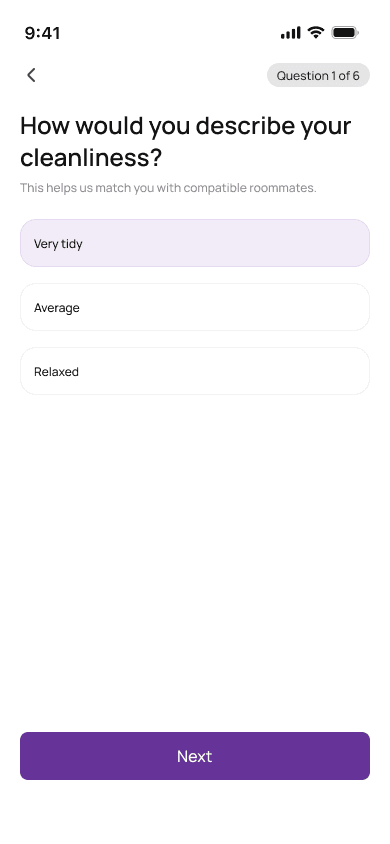
A mobile UI spanning splash, onboarding, sign up and sign in, discovery, listings and requests, saved items, a guided create-listing flow, and a multi-step identity verification flow (ID, selfie and a short behaviour matrix) to build trust before transacting.
Target & Reach
Audience
- Everyday Sellers
- Marketplace Buyers
- Window Shoppers
Regions
- Nigeria
Key Features
Onboarding & Authentication
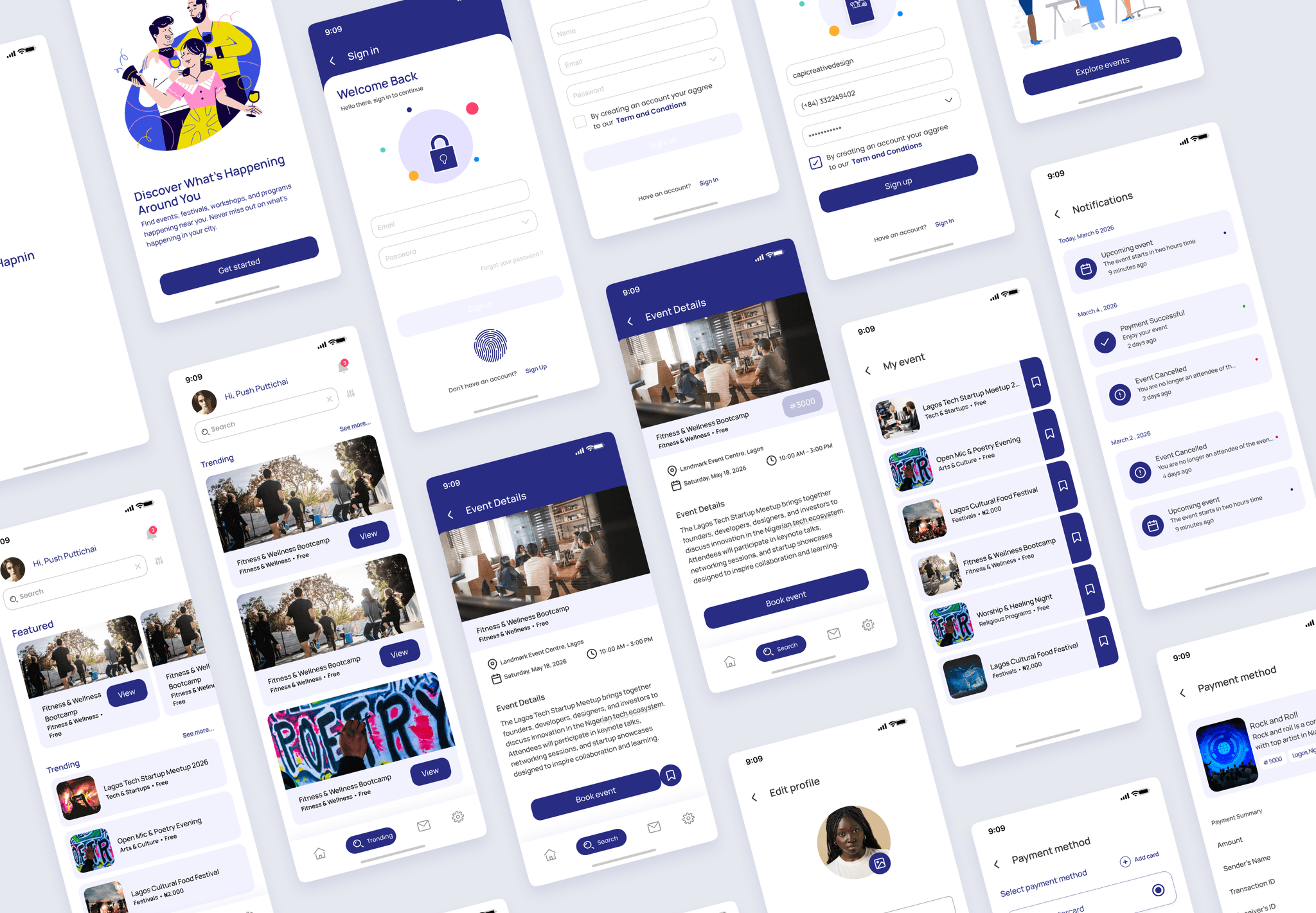
Splash, welcome and intro screens lead into clean sign up and sign in flows that get new users into the product quickly.
Discovery
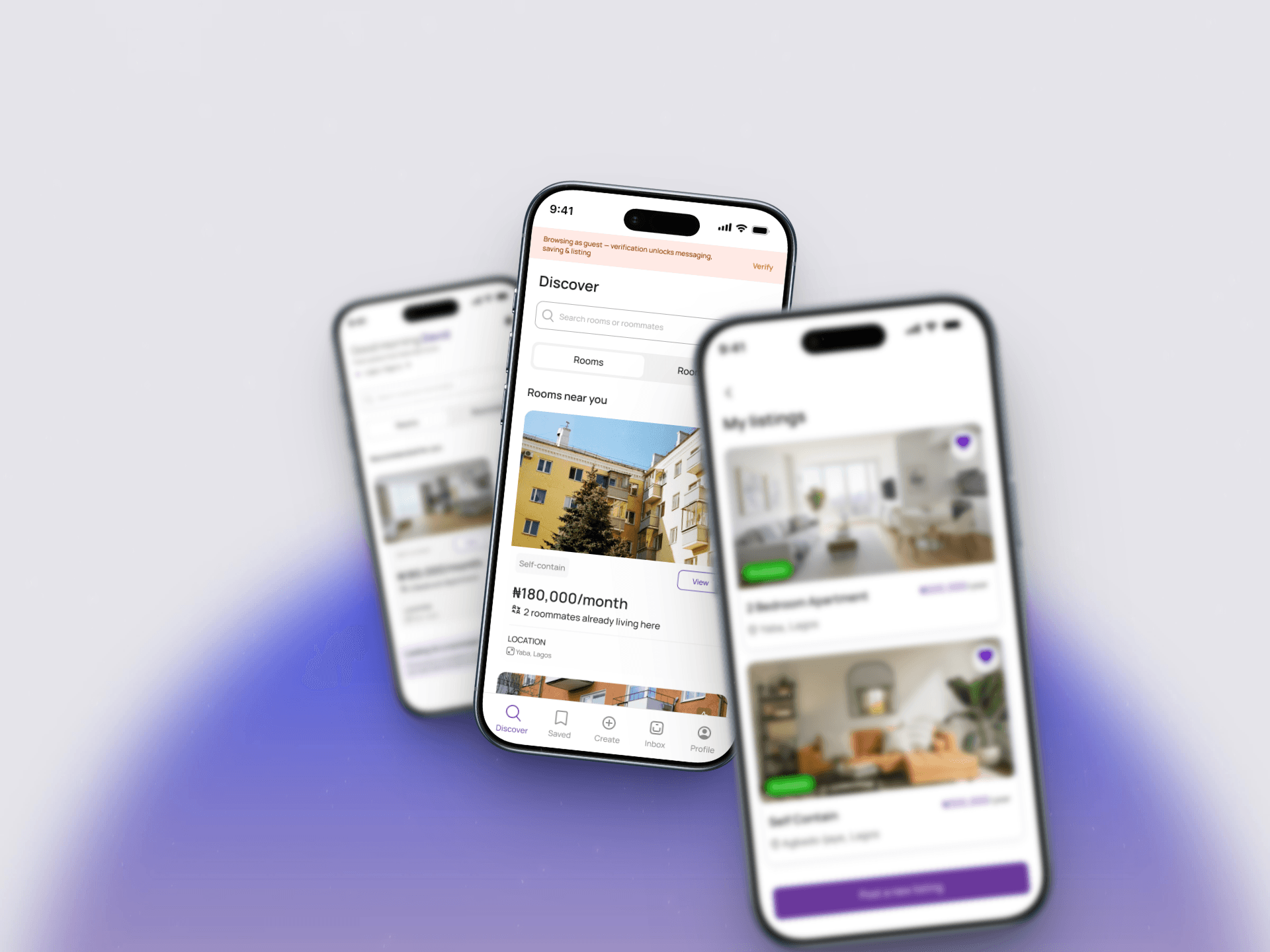
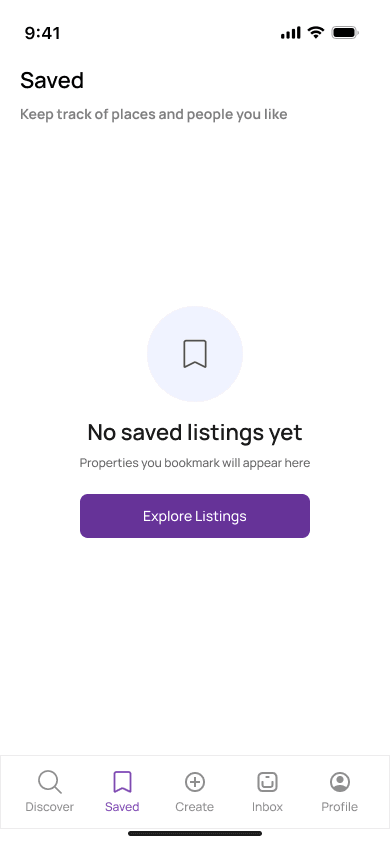
A discover feed for browsing listings with clear imagery, pricing and listing details, plus saved items for later.
Listings & Requests
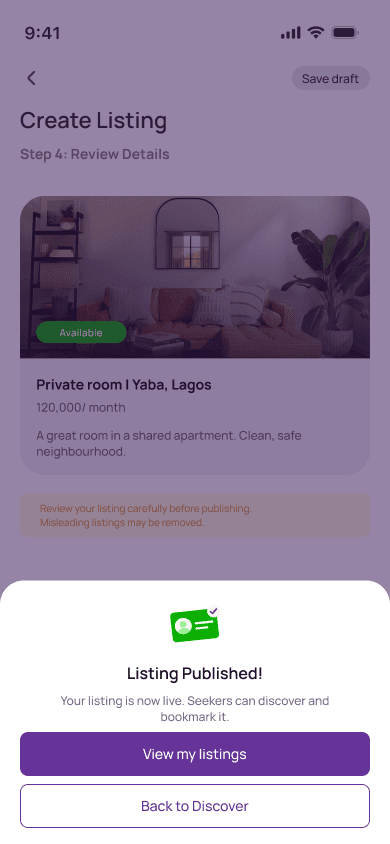
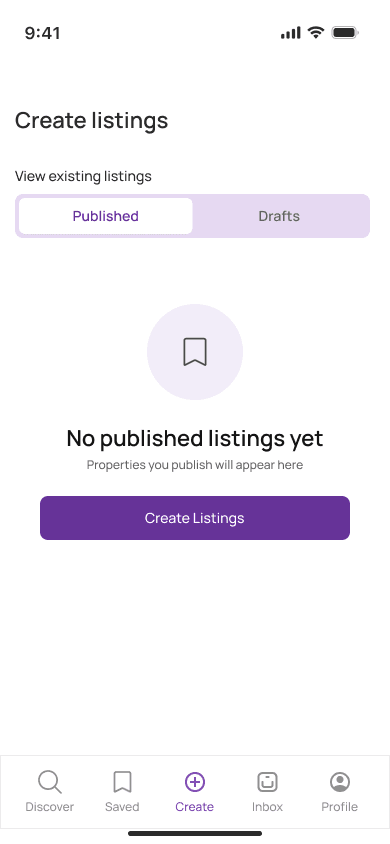
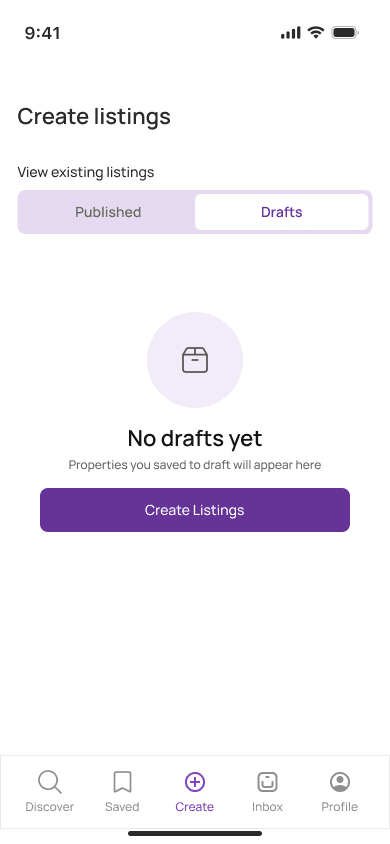
A guided multi-step create-listing flow, plus screens to track your listings and the requests you send and receive.
Identity Verification
A trust flow with ID capture, a selfie check and a short behaviour matrix, gating transactions until a user is verified.
Profile & Settings
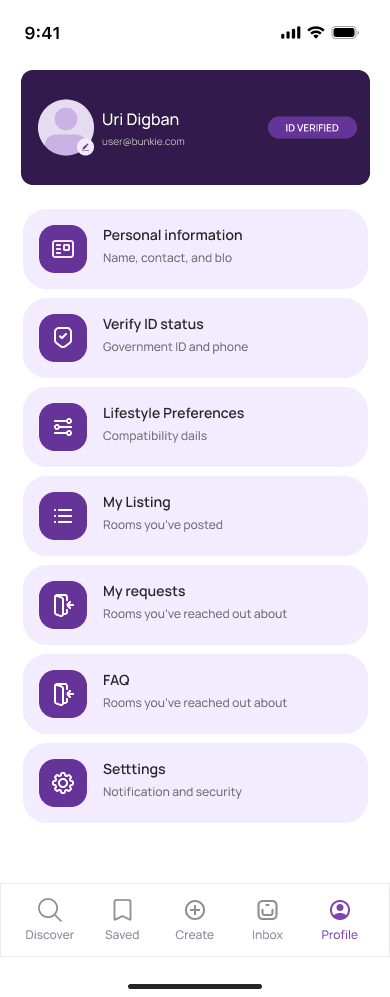
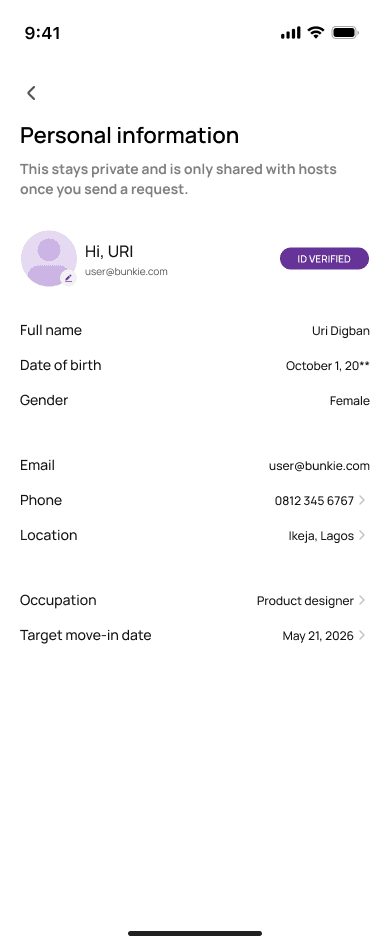
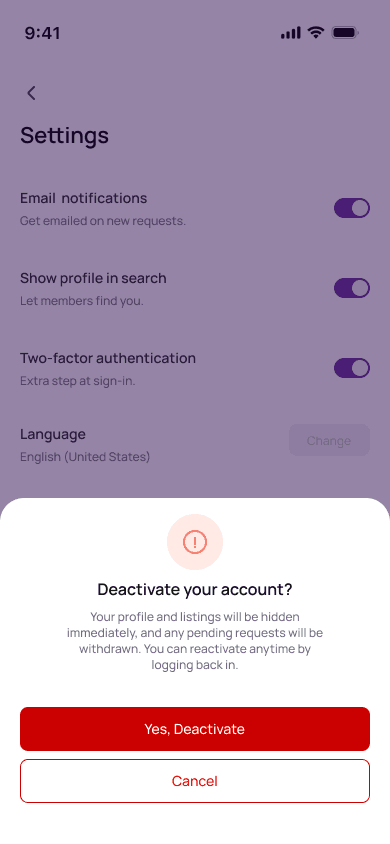
Profile completion, personal information management and app settings for a complete account experience.
Technology Stack
Architecture
Information Architecture
The experience is structured around five core areas — onboarding, discovery, listings and requests, identity verification, and profile/settings — linked by a persistent bottom navigation.
Results
32
Screens
End-to-end mobile UI covering onboarding through verified profile
5
Core Flows
Onboarding, discovery, listing creation, verification and profile management
3
Verification Steps
ID capture, selfie check and behaviour matrix build trust before transacting
Screens
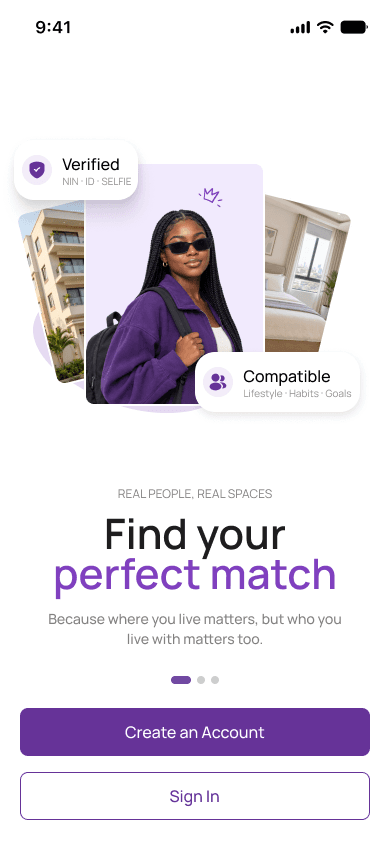


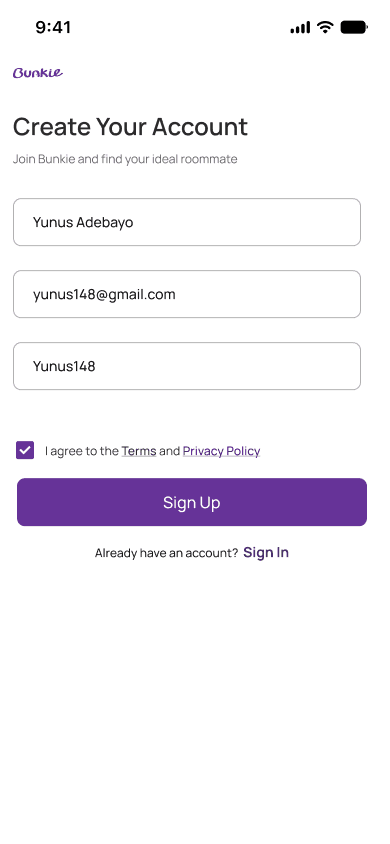
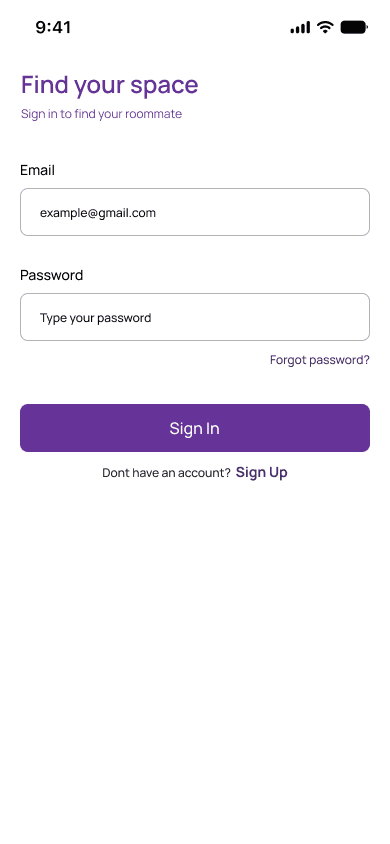
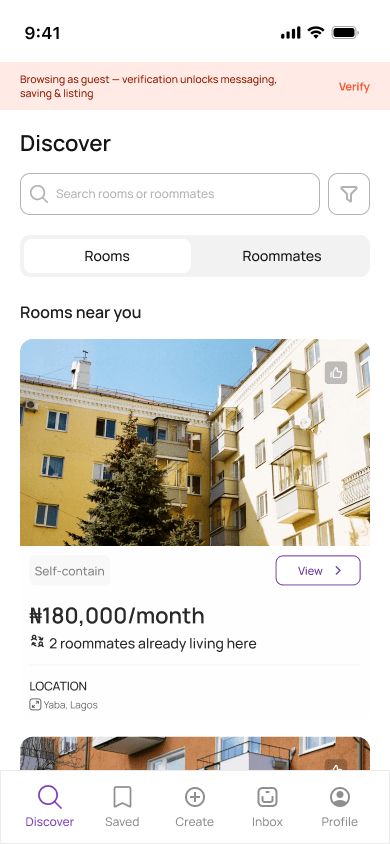
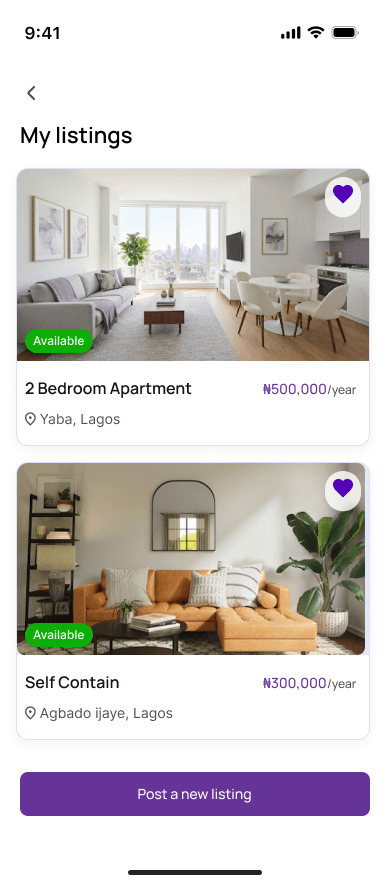
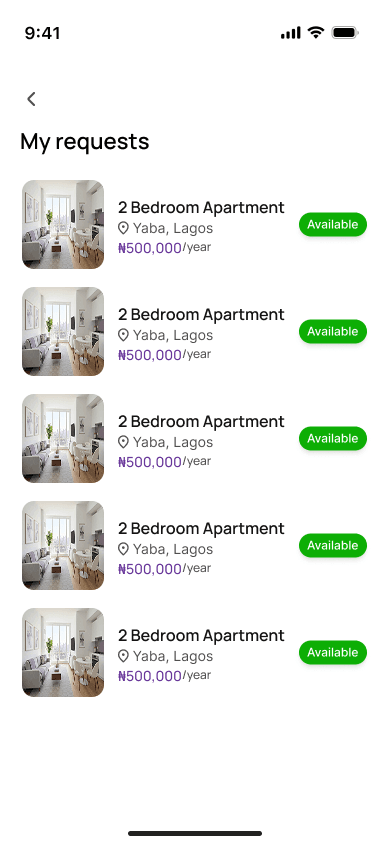
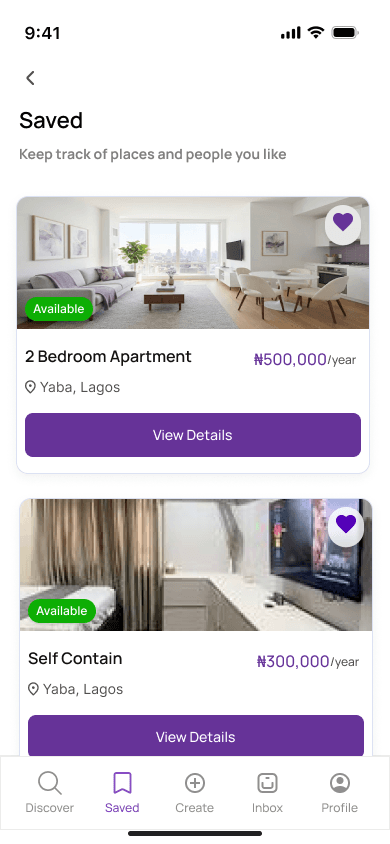



Design Approach
The UI was designed around the core marketplace loop: browse, list and transact. Each flow was kept short and legible, with a consistent component set and clear empty, loading and success states so users always know what happens next.
Flows Covered
- Onboarding & authentication: splash, welcome, intro, sign up and sign in
- Discovery: browse listings and save items for later
- Listings & requests: guided create-listing flow, my listings and my requests
- Identity verification: ID capture, selfie check and behaviour matrix
- Profile & settings: profile completion, personal information and settings